Send two displays as separate NDI sources over your network. Works with any NDI-capable receiver — Ecamm Live, OBS, NDI Studio Monitor — with no extra software required. libndi is bundled, so there is no NDI runtime to install.
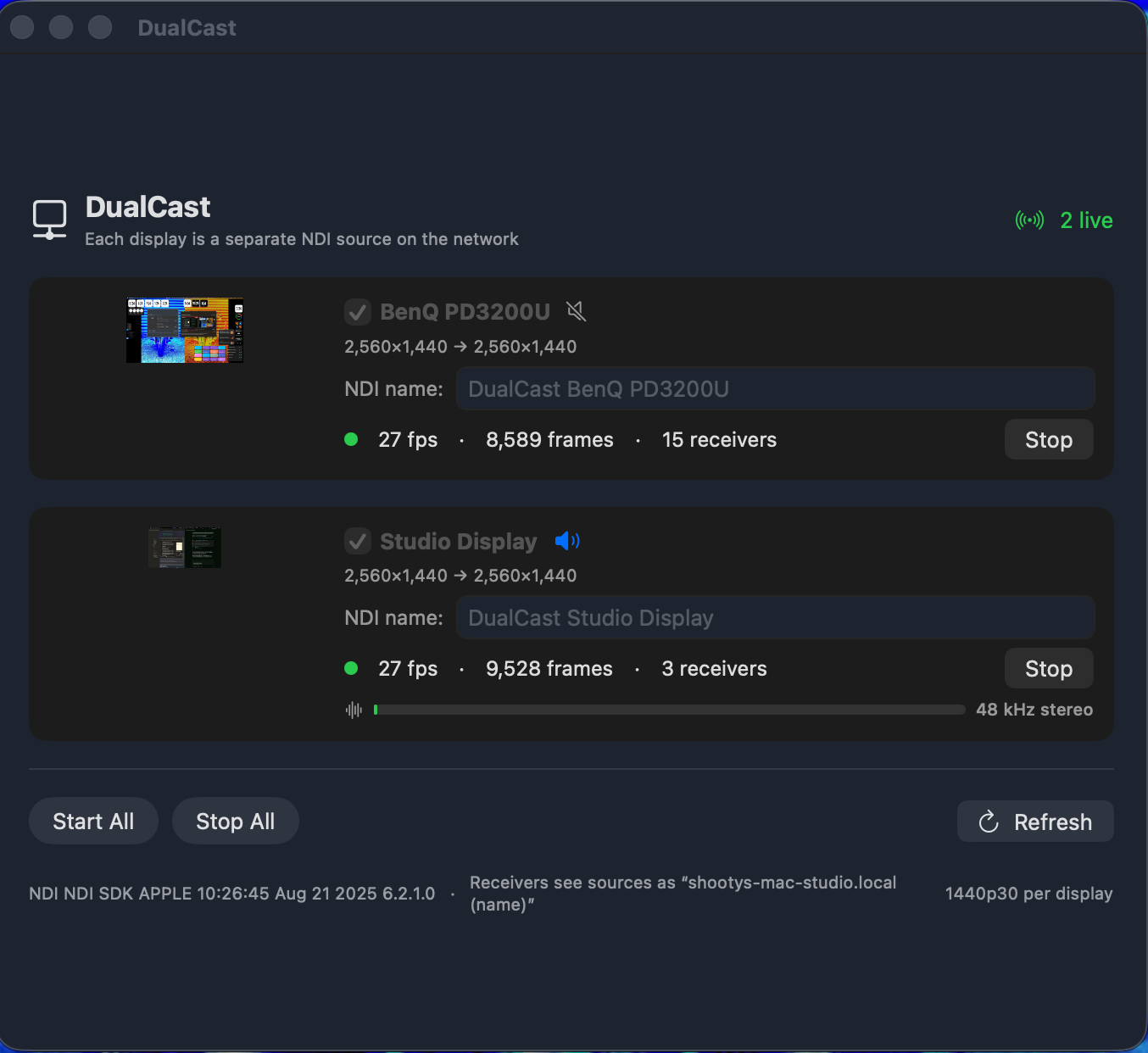
DualCast turns your Mac's two displays into independent NDI video sources. Each display is discoverable on the network as YOURMAC (DualCast <Display Name>), with system audio bundled as a stereo FLTP stream.
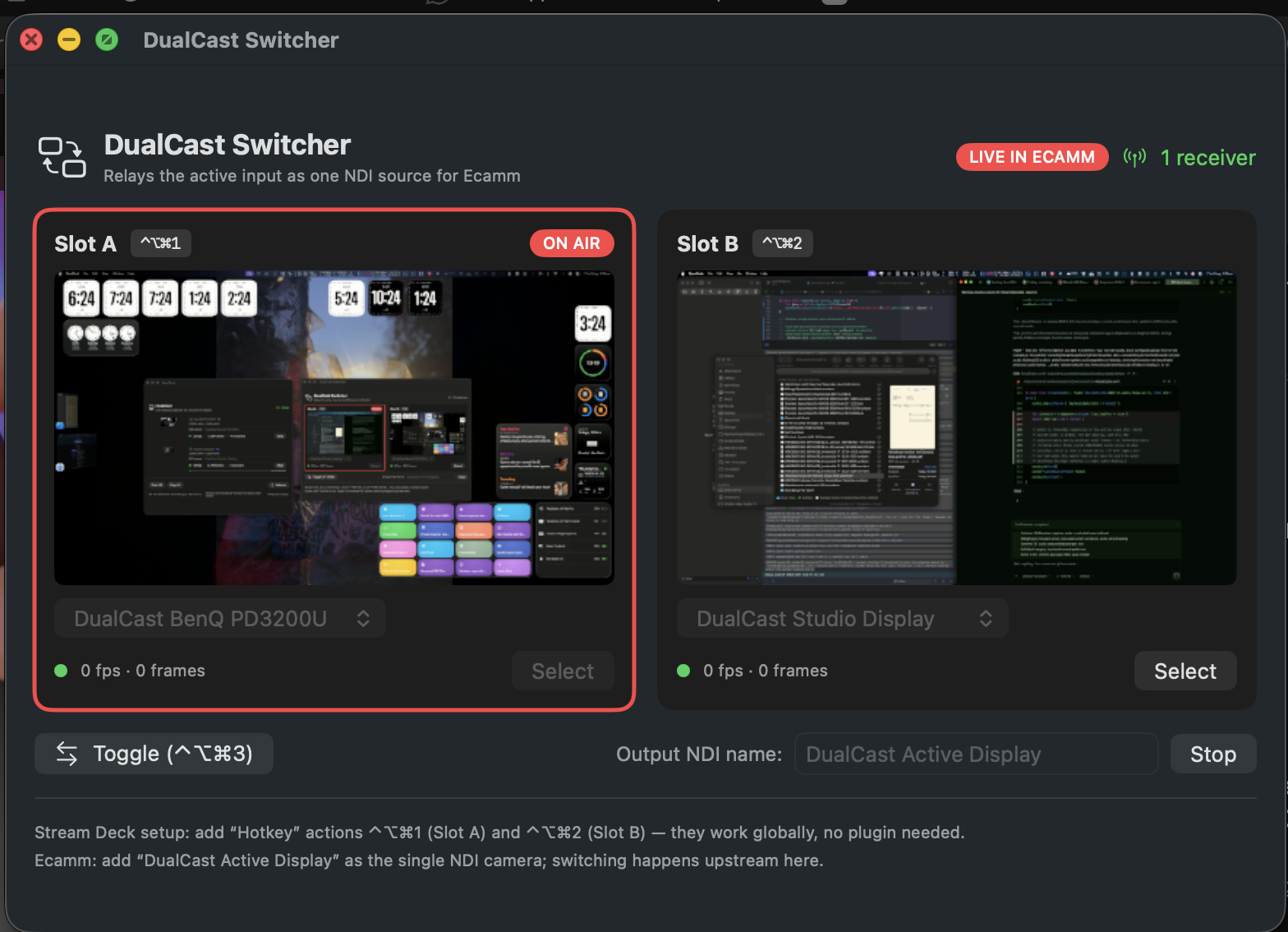
The repo also includes DualCast Switcher, a lightweight companion app for streaming Macs that receive both NDI sources and re-broadcast the selected one as a single output — useful when your streaming software can only see one NDI source at a time.
Each display becomes its own NDI source with zero-config discovery via mDNS.
48 kHz stereo FLTP audio included with one stream.
Static screens use near-zero bandwidth.
Per-source fps/receiver stats and LIVE/PREVIEW tally badges.
Automatic retry and reconnect.
libndi is bundled. No separate NDI runtime download.
Stream Deck hotkey switching between displays for single-source receivers.
Add each DualCast source directly as an NDI input. Ecamm Live, OBS, and NDI Studio Monitor all support multiple NDI sources natively.
STREAMINGMAC (DualCast Active Display) as your single camera/NDI source.brew install xcodegen xcodegen generate xcodebuild -scheme DualCast -configuration Release build
To also build the Switcher:
xcodebuild -scheme DualCastSwitcher -configuration Release build
PolyForm Noncommercial 1.0.0 — free for non-commercial use. Commercial use requires a separate license. NDI® is a registered trademark of the Vizrt Group.