WOODSEE Network Main Site Library FUSV SwiftMaestro Merch Github

ai-context-bridge

Personal AI-agent context framework.

The glue layer built to give AI agents persistent memory, project awareness, and access to local tools. It is model-agnostic: it speaks the standard MCP protocol and works with Claude, Gemini, Qwen, Kimi, DeepSeek, Llama, or any other MCP-capable client.

Node.js MCP server SQLite FTS5 PolyForm Noncommercial 1.0.0
ai-context-bridge

What it does

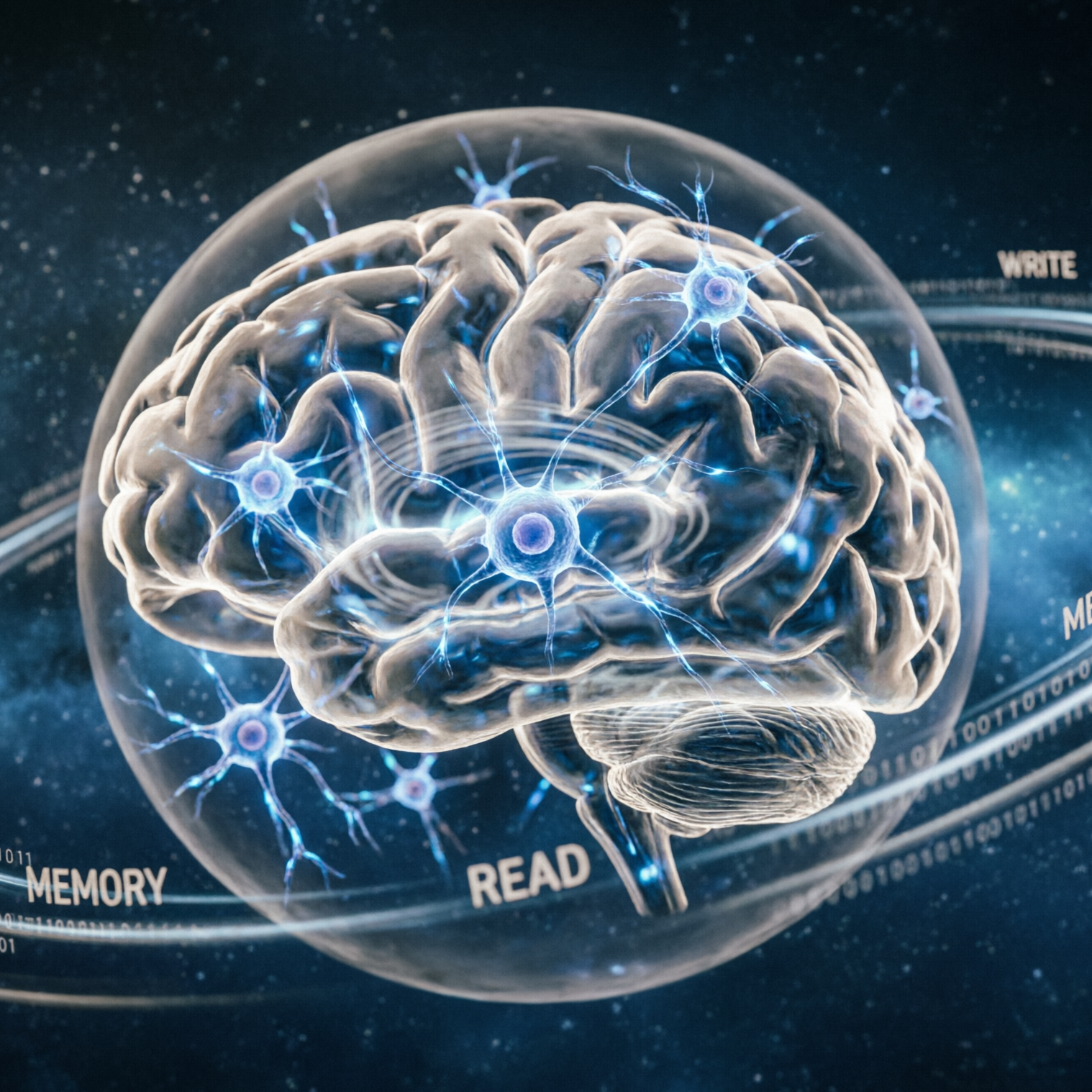
This repo is the framework, not the memory contents. Your actual memory stays in ~/.ai-context/memory/ on your machine. The bridge provides the tools an agent uses to read, write, search, and recall that memory across sessions and projects.

Highlights

Project context tracking

Active project, decisions, todos, errors, and session state are recorded and recalled.

Unified memory system

Reads/writes ~/.ai-context/memory/ using simple QwenURI addressing.

Model-agnostic

Speaks MCP. No per-model wiring or client-code changes required.

Fast recall

SQLite FTS5 full-text index gives sub-millisecond keyword search across the entire store.

Build bridge

Run Xcode builds and capture errors/warnings for the agent.

Obsidian vault access

Read and write notes via the Local REST API plugin.

WhisperKit control

Start/stop transcription streams from an agent.

PAL memory helpers

Ingest and query compiled knowledge from PAL sources.

How memory works

Memory is addressed with QwenURIs like qwen://knowledge/projects/myapp/architecture. Each URI maps directly to a folder under ~/.ai-context/memory/. Entries carry project, type (decision, todo, error, session-update, fact, preference), and timestamp — so you can recall by project, keyword, or kind.

Install

cd ai-context-bridge
npm install
node server.js

better-sqlite3 is the only native dependency. It compiles on install and needs a C/C++ toolchain (Xcode Command Line Tools on macOS: xcode-select --install). If it fails, the server still runs; memory_search falls back to a folder scan until the dependency is installed.

Configure

All user-specific paths are resolved from os.homedir() or environment variables, so it works on any Mac without hardcoded usernames:

MCP config example

{
  "mcpServers": {
    "ai-context-bridge": {
      "command": "node",
      "args": ["/path/to/ai-context-bridge/server.js"]
    }
  }
}

License

PolyForm Noncommercial 1.0.0 — free for non-commercial use. Commercial use requires a separate license.